

Blog
Image generation guides, practical workflows, and creative tips.

GPT Image 2.6 SVG Generation: Create Editable Icons and Illustrations
Learn how GPT Image 2.6 generates SVG files, write clearer vector prompts, check editability, and budget for reference-image and SVG authoring costs.
Read more
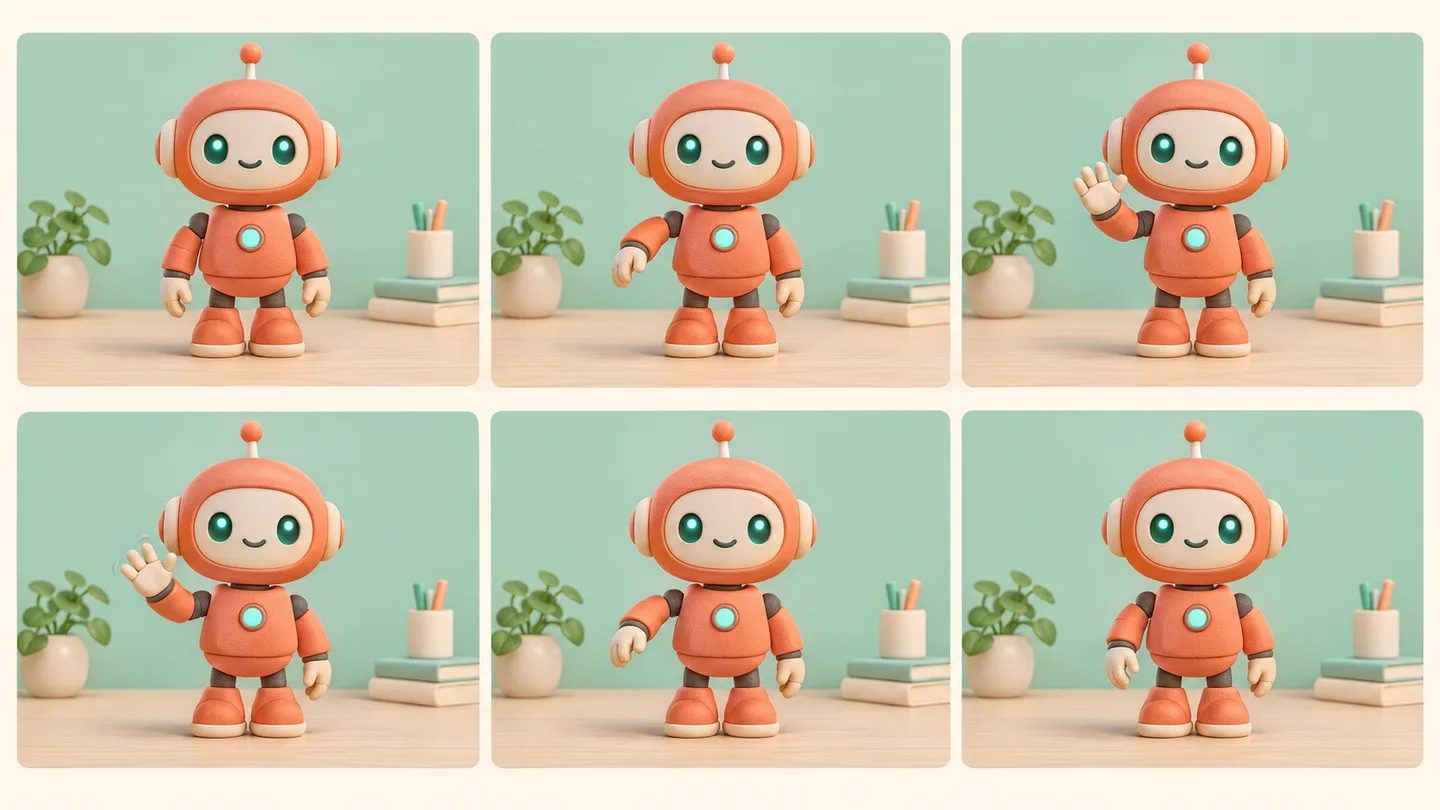
GPT Image 2.6 GIF Generation: Create a Seamless Loop
Learn GPT Image 2.6 GIF generation: plan a looping action, set frame count and timing, save the API output, and fix visible jumps between cycles.
Read more
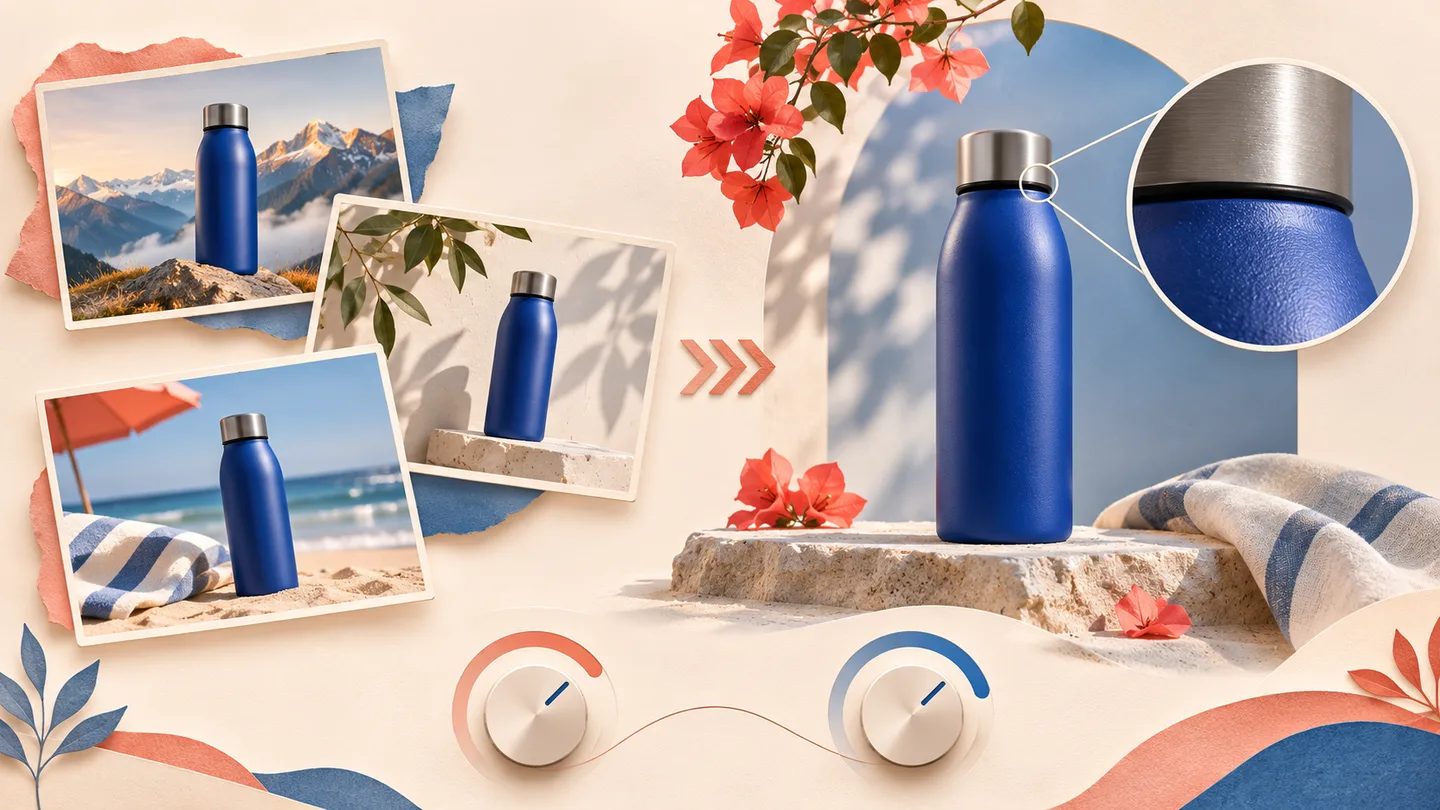
OpenAI GPT Image 2.6: Flare vs Sunburst—which should you choose?
Compare GPT Image 2.6 Flare and Sunburst for fast drafts, detailed edits, and production work. Learn how quality, complexity, and cost affect your choice.
Read more
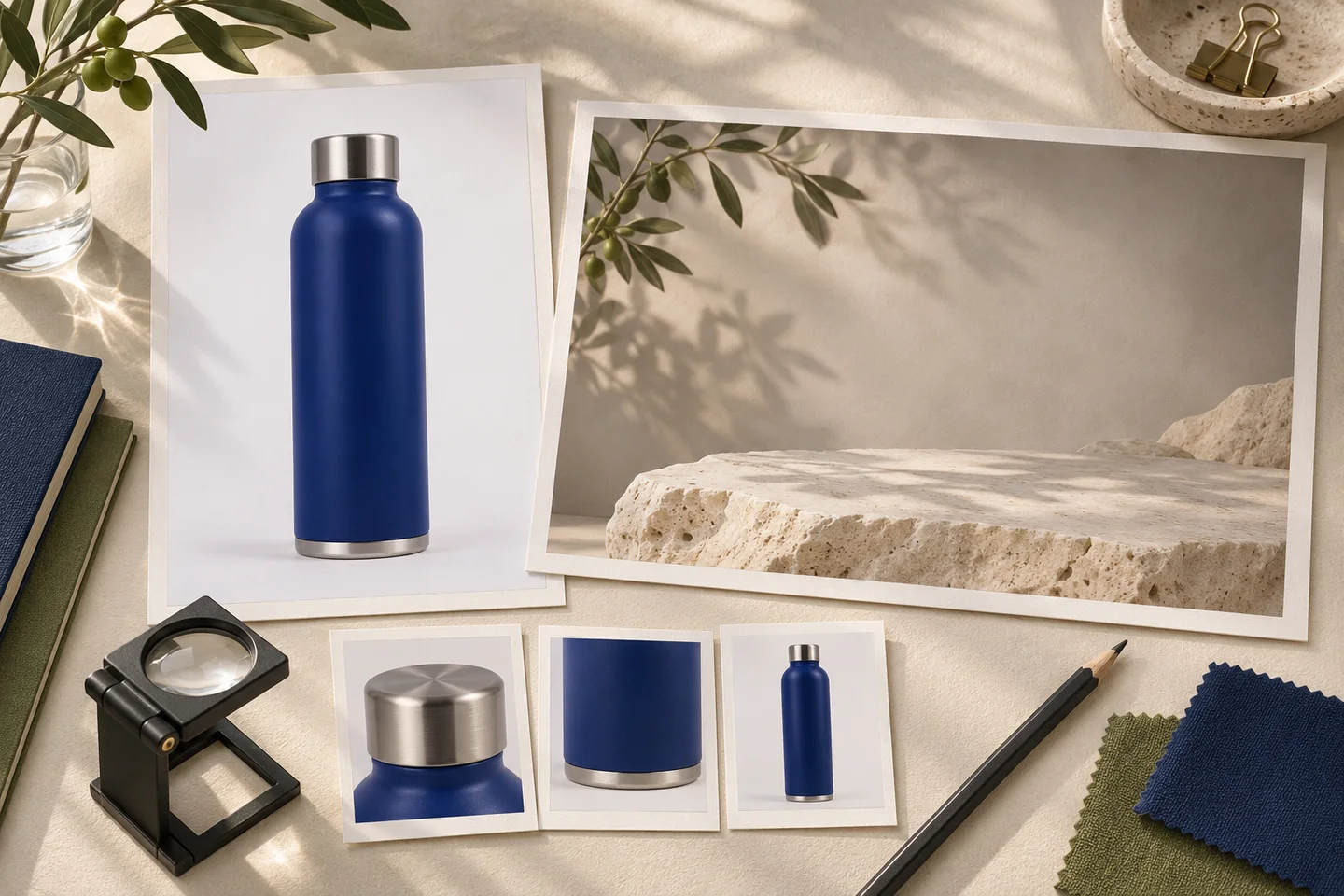
GPT Image 2.6 Product Backgrounds: Keep the Product Recognizable
Plan GPT Image 2.6 product background edits with a clear reference, realistic lighting, and checks for packaging, labels, shape, and contact shadows.
Read more

GPT Image 2.6 Text in Images: A Proofreading Workflow
Write clearer GPT Image 2.6 text prompts, check spelling and multilingual copy, and fix poster lettering without losing the rest of your design.
Read more
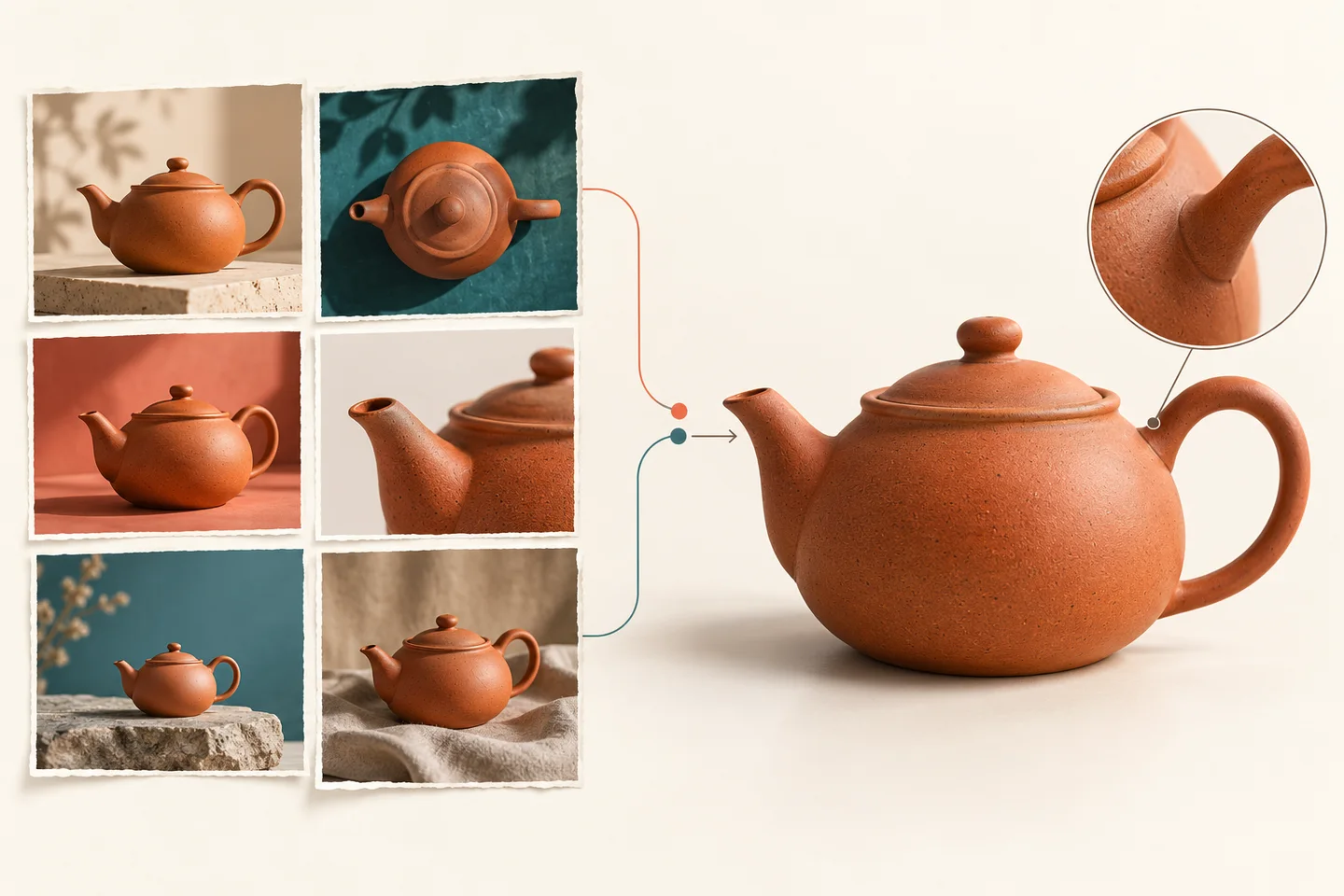
GPT Image 2.5 Flare vs Sunburst: Which Should You Use?
Choose GPT Image 2.5 Flare or Sunburst for your next image task. Compare editing priorities, API pricing, and a practical method for checking usable results.
Read more
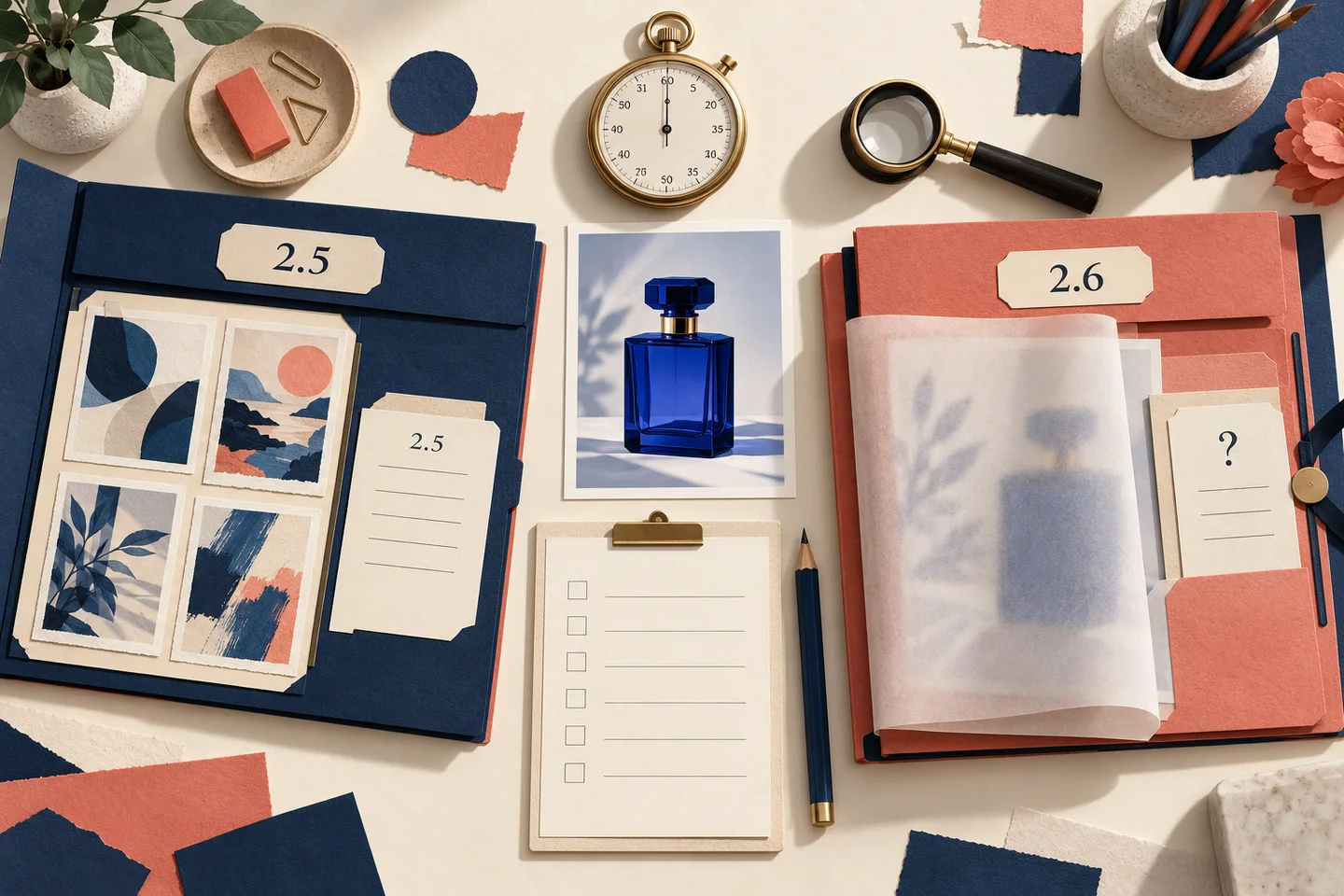
GPT Image 2.6 vs GPT Image 2.5: Workflows, Editing, and Cost
Compare GPT Image 2.5 API options with the Image26 editing workflow, review image costs, and start creating directly on the GPT Image 2.6 homepage.
Read more
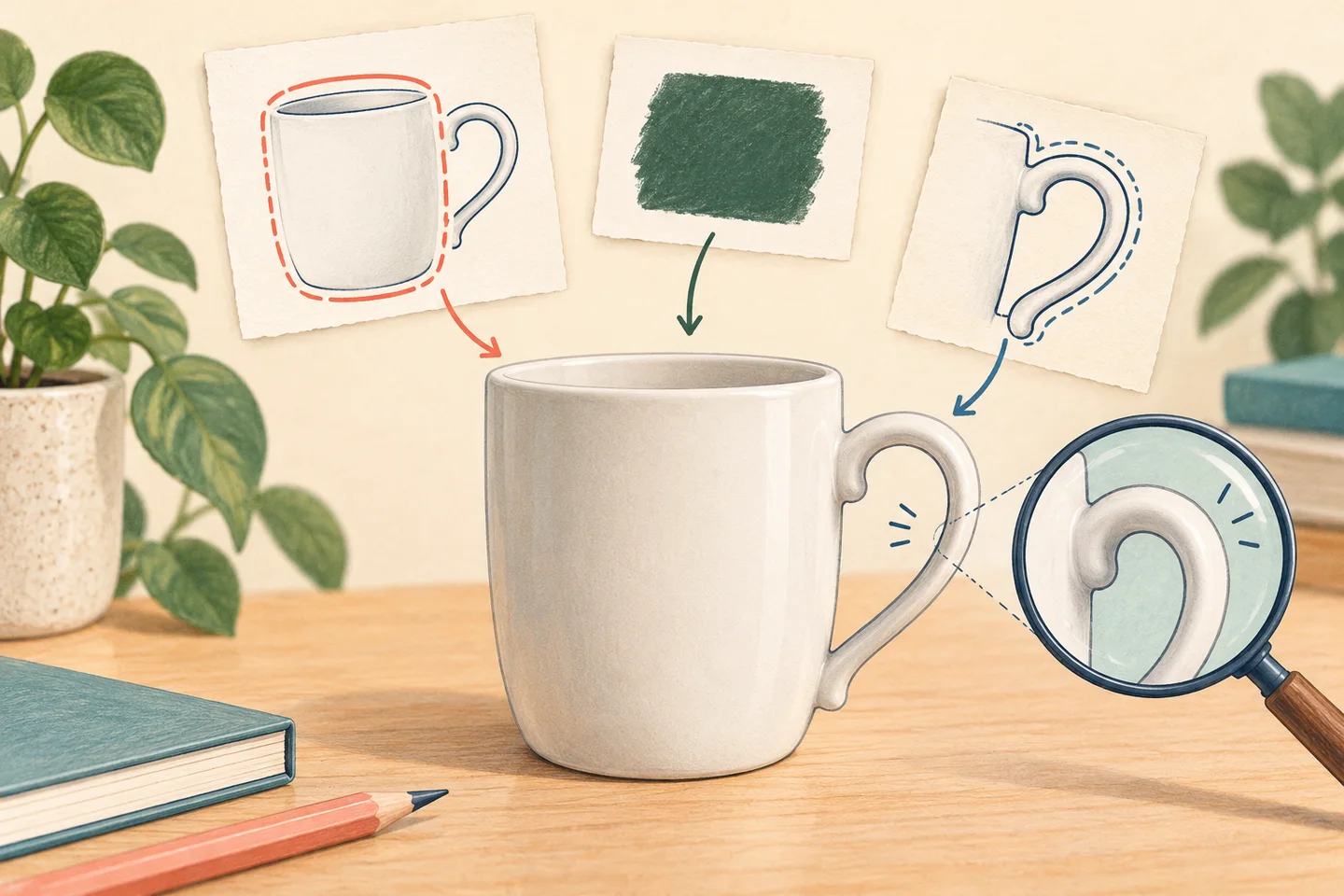
GPT Image 2.6 Visual Editing: Markup, Selections, and Prompts
Learn how to pair visual guidance with a clear editing prompt, understand markup inputs, and review local image edits on image26.com.
Read more